Import Visio
Visio files are intelligent drawing files, commonly used in the FEED proces.
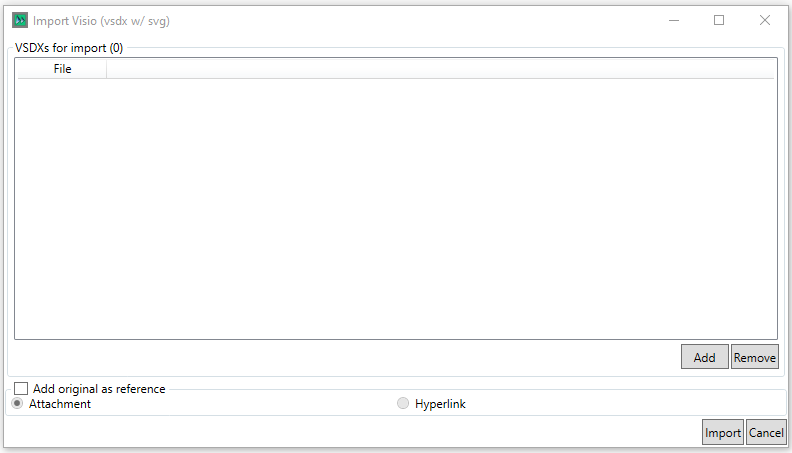
Visio files are added from a file browser via the  button, and can be removed once added by selecting them and clicking on the
  button
Add Original as Reference allows the user to add the original DWG file as a reference to the imported data, as an attachemnt or hyperlink with a log path available to be specified
The  button imports the drawing(s),
  closes the dialog.