Import Navisworks
Navisworks files are 3D representations of plant, they are imported in the NWD Importer
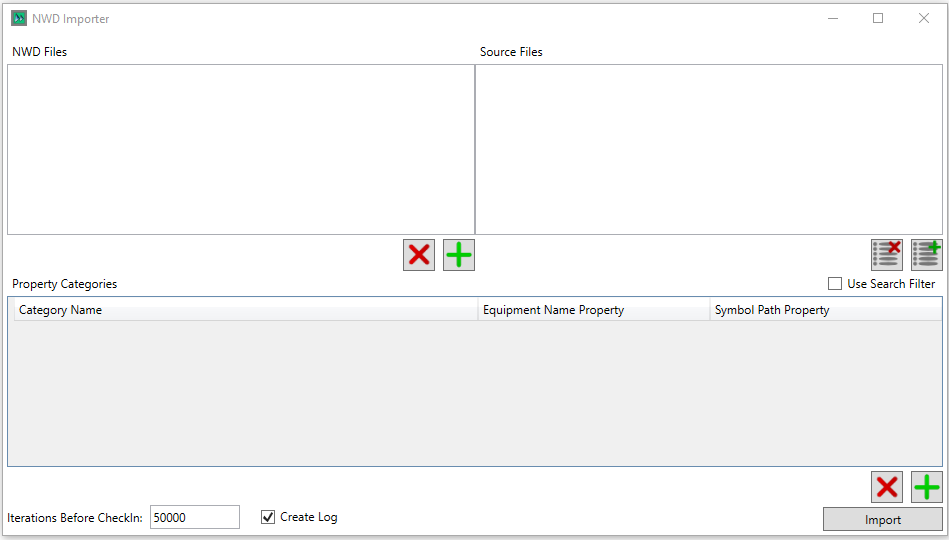
NWD Files are selected for import by clicking the  button and selcting them via the folder browser, they can be removed with the
  button
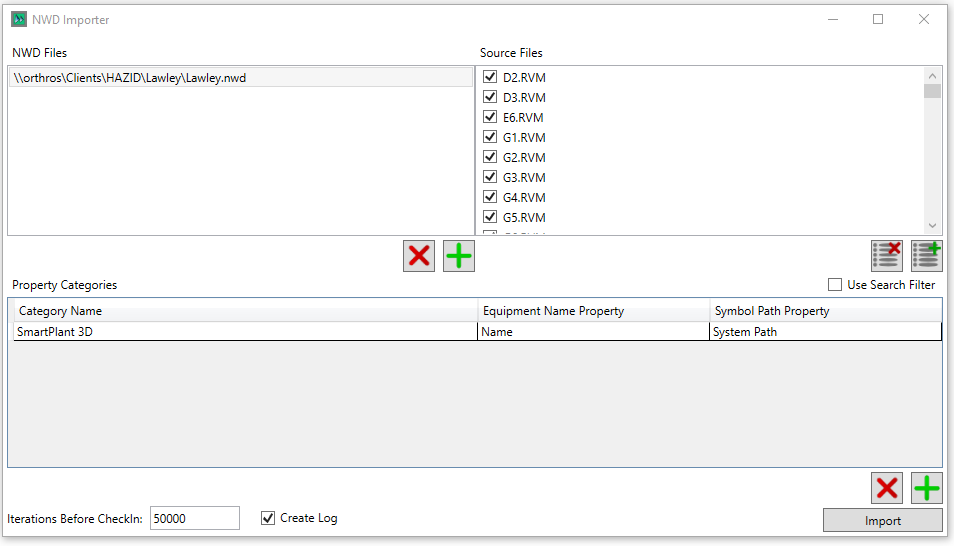
The source files the user wishes to import from the can be seelcted via the checkboxes, the  button unchecks all checkboxes, the
  button selects all checkboxes.
The use search filter checkbox is osed to specify a Navisworks search filter xml, to reduce the serachto only items present within the Navisworkd xml

The Property Categories allows the user to specify the property categories they wish to import from Navisworks, they can be added with the button and removed with the button.
Note that only one category needs to have the Equipment Name Propery and Symbol Path Property defined.
The  button imports the source file(s)