Import Original Excel Save
The Orignal Excel Save allows the orignal excel to be saved to a specified location
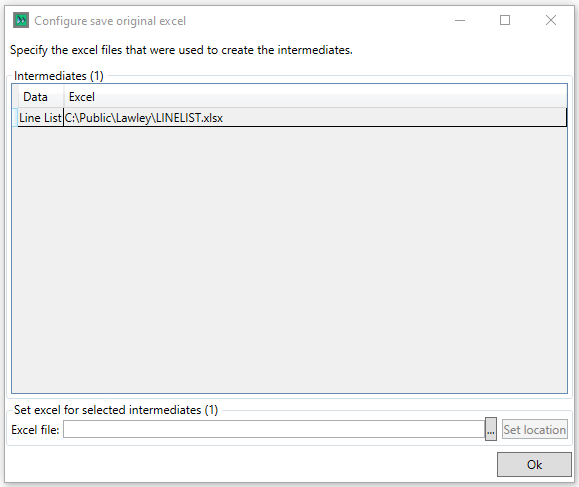
The location of the source is required to be set, this is accomplished by selecting the Intermediate and clicking the  button to select the correponding excel file, once this is done, clicking
  sets the import location.
Clicking  saves your selections