Changing SmartPlant Site
The site originally displayed upon entry to the Import form is that of the last connected to within SmartPlant P&ID.
If you wish to change the site you can connect to a separate site .ini file as created in your SmartPlant Installation.
To change the .ini file select the  option from the SPPID Plant Ini to open a windows explorer window.
Browse to the location of your .ini file and select it.
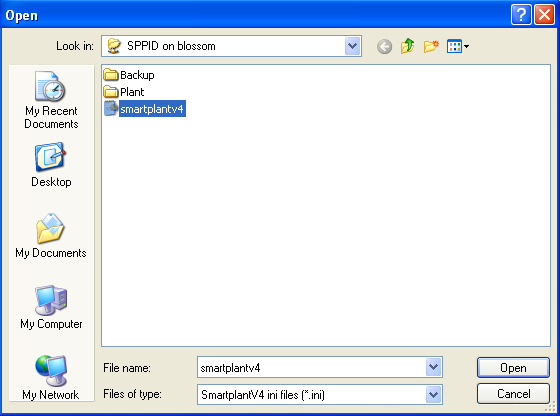
Hazid Integrity will then read the database connection details from the .ini and display all available plants for selection.

Select the Plant you wish to import your P&IDs from. You may now Import/Update P&ID
Although Hazid Integrity can store P&IDs from multiple plants or sites you must be connected to the originating site of that P&ID to update it.