Piperuns Mapping Selection
Hazid Integrity consolidates all piping sections and inline items of piperuns into one mapping line. This allows you to quickly map a large number or minor items. The Piperuns also carry the flow direction for the minor ports. To fully map a P&ID all piperuns must have an active flow direction.
Selecting a Piperuns displays all of the items within the the run. in the order drawn by the draughtsman.
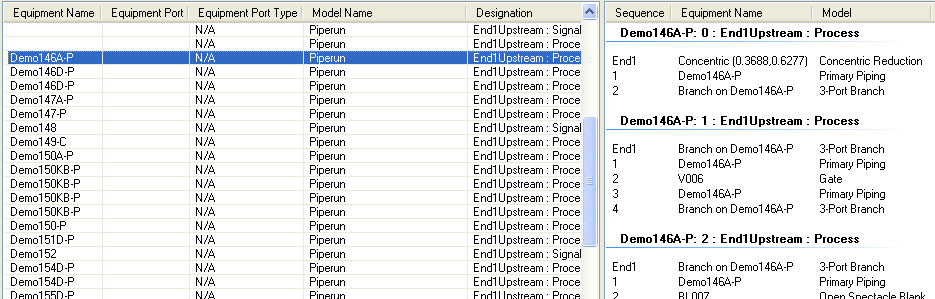
The Piperuns is separated into sections at each branching point with End 0 marking the beginning of the Piperuns as drawn. To select a mapping for the piperuns right click on the selected run
- Set Flow Direction - Sets the Flow Direction of the Piperuns as it would be during the process flow. All Piperuns must have a flow defined
- Set Process Class - Sets the Process Class of the Piperuns to Ignore or signal. All Piperuns must have a class defined
- Highlight Selected - Highlights the selected piperuns
- Select All - Selects all Equipment Ports and Piperuns
Each Piperuns section can also have its own flow direction or process class. To set these on Piperuns sections select an item within the section and right click.
When selecting an item within a piperuns selecting the bottom panel displays the ports assigned.
