Document Lock Manager
Document lock manager is used to lock drawings/documents to prvent them from being edited, and also to unlock drawings to allow them to be edited. It is also used to release drawings that have become locked from being improperly closed.
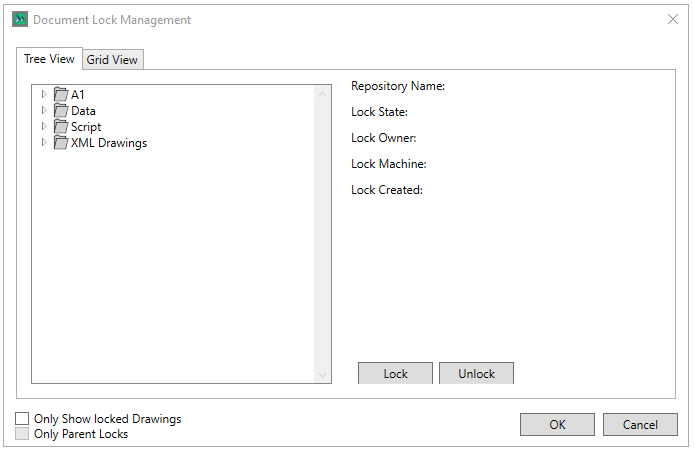
To lock/unlock a drawing, the user needs to select it and click on the  or
or  respectively
The Tabs allow the user so switch between viewing the drawings in the tree as in the project, or in a Grid Layout
The check boxes allow the user to filter the tree/grid to only show Drawings that are locked, or to only show locked parent items.
Clicking  saves the lock settings, and
  exits without saving