Data Editor
The Data Editor application allows all of the data in a Hazid Integrity project to be viewed and edited in a tabulated format. It can be launched from any level of the project, and will display all items within that project level.
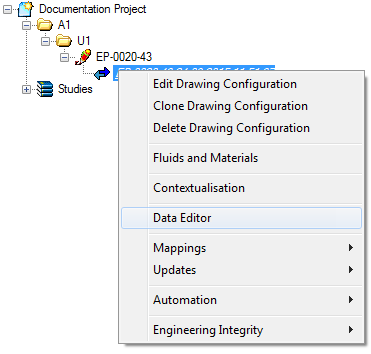
The Data Editor is launched via Integrity Framework from the right-click menu at any project level:
It can also be launched from Integrity Hub by clicking the  button when the desired project level is selected.
The Data Editor interface is customisable and can be configured to display a variety of tools and options.
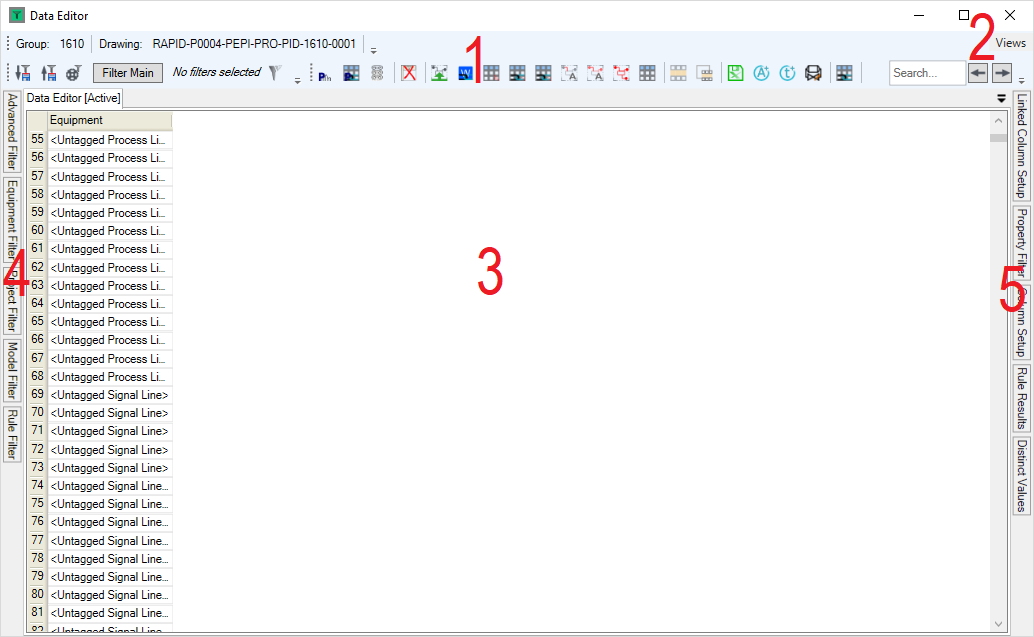
- Data Editor Toolbar
- Views Menu
- Main Data Grid
- Filters Panels
- Configuration/Results Panel