Linked Column Setup
The Linked Column Setup panel functions in the same way as Column Setup, but affects the Linked Data grid rather than the main grid. It is accessed via the Linked Column Setup tab, which is enabled via the Views Menu.

Expanding 'Model/Group Templates' shows the column templates associated with particular models/model groups. These are also created in Property Column Templates.
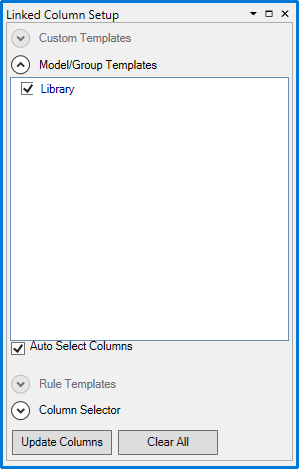
Checking one or more templates and clicking  will add the associated columns to the linked data grid. When 'Auto Select Columns' is selected, the templates are automatically applied whenever the grid is filtered to only display the corresponding models.
Expanding 'Column Selector' allows you to individually select which columns to apply:
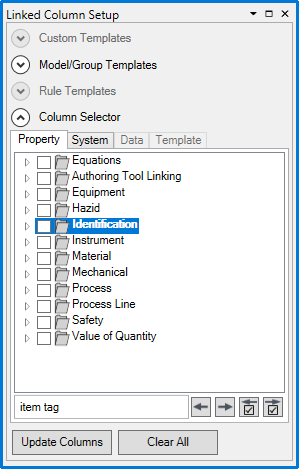
Under the 'Property' tab is the property tree showing every property you have permission to view. The 'Search...' field is used to search for properties by name. The  buttons cycle between search results, and the
  buttons cycle between checked properties. Checking one or more properties and clicking will add those columns to the linked data grid. Clicking
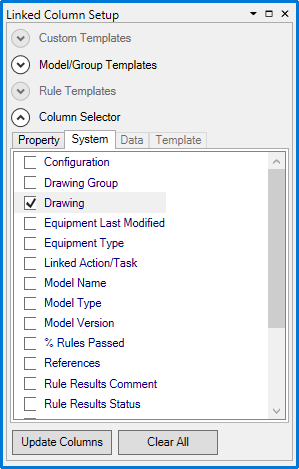
  unchecks every property. Under the 'System' tab are the read-only properties defined by other operations in the system: