Export Results
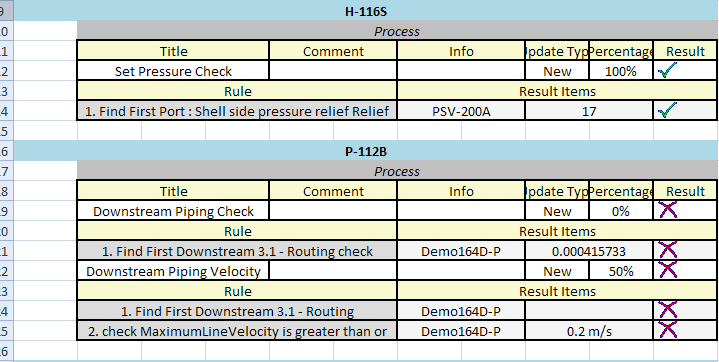
P&ID Integrity allows user to export the results to excel format for off line viewing.
There are two export types for use. Normal and Detailed.
To export the desired format select the  icon for the type user wishes and save the excel file in the desired location.
User does not require Excel to be installed on the machine to export the results but it is required for viewing.
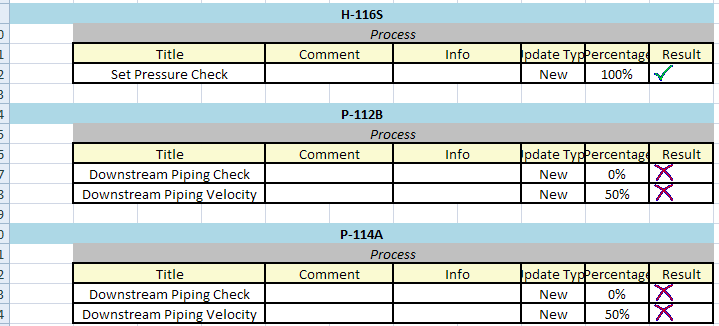
The Normal export only exports the Rule Result as seen in the panel without any additional properties.
The Detailes Export shows the rule items associated with the rule and their corresponding passes or failures.