Cause & Consequences
Cause
A cause is an event that has the potential to cause a deviation at the piece of equipment represented by the model. Causes begin at specific ports.
To add causes to a port open the Model Overview window on a model that has ports and deviations assigned to it:
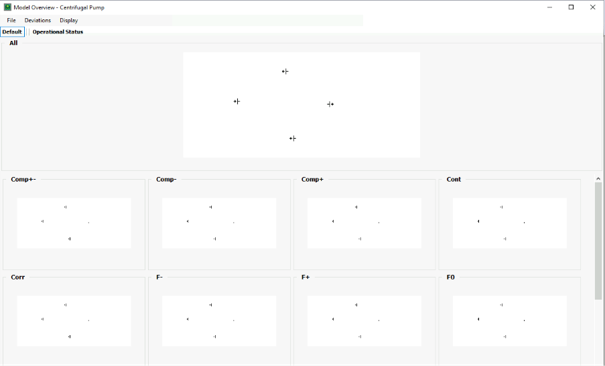
To edit the causes, double-click on the “All” preview. This opens the Model Creation window:
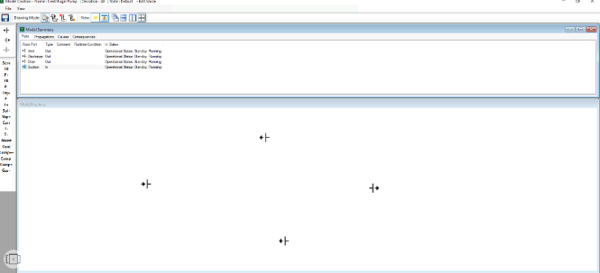
To add a cause right-click on a port and select “Cause”:

This brings up the causes list for that port. To add one click “Add”
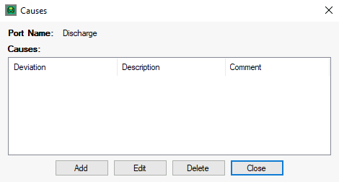
The deviation being caused is selected from the Deviation drop-down menu:
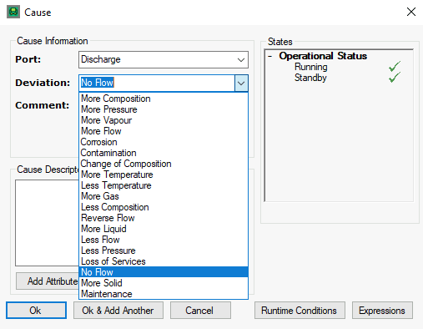
In the Cause Descriptor type the nature of the event is described (properties of the equipment are displayed by placing the primary key of the property in square brackets):

In the States enable the states in which the cause can occur and click “OK” to add the cause.

Consequences
A consequence is a hazardous event resulting from a piece of equipment experiencing a deviation. Consequences are added similarly to causes, on ports:

This brings up the consequences list for that port. To add one click “Add”:
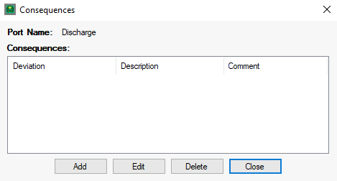
The deviation, descriptor and states are added in the same manner as with causes:
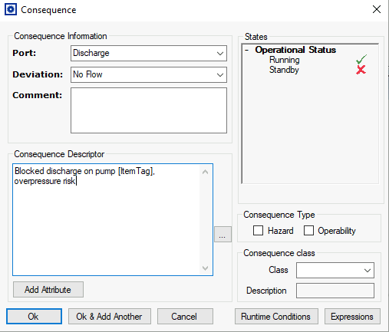
The consequence type and class may also be selected:

Add Expressions
Some more specific causes may require an Expression to work in the correct circumstances. To add an expression, first define the details of the cause and then open the Expressions window from the cause editor.
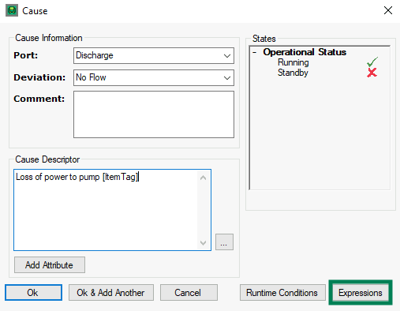
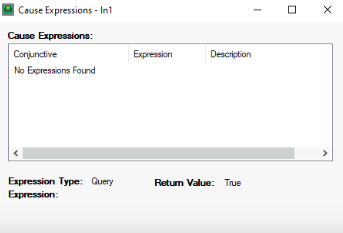
This will open a list of the Expressions applied to the cause, defaulting to No Expressions Found. To add an expression, hit Add.
Select the relevant expression from the drop-down list and hit OK to add it to the Cause.

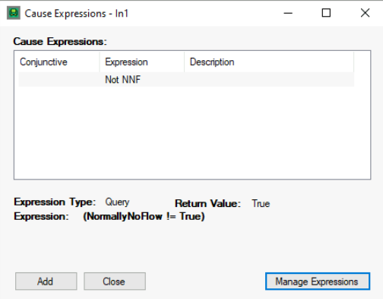
The Cause Expressions window should change to reflect the new expression. If an expression needs to be added or edited, this can be done under Manage Expressions.