Action Manager
Hazid Action Manager is an off-the-shelf, configurable resolution tracking solution. It electronically logs, manages, queries, and reports on action items resulting from any area of the Hazid Integrity system.
To open Action Manager from anywhere in the project click the  button in the top left of the application to open the left sidebar and select “Action Manager”.

This will open the Landing Page where you can see all available projects.
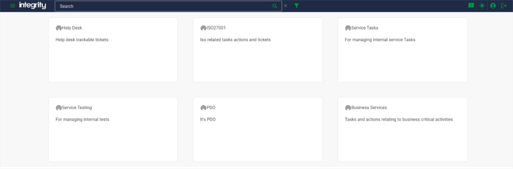
Selecting one of the projects will take you to the dashboard page for the selected project.
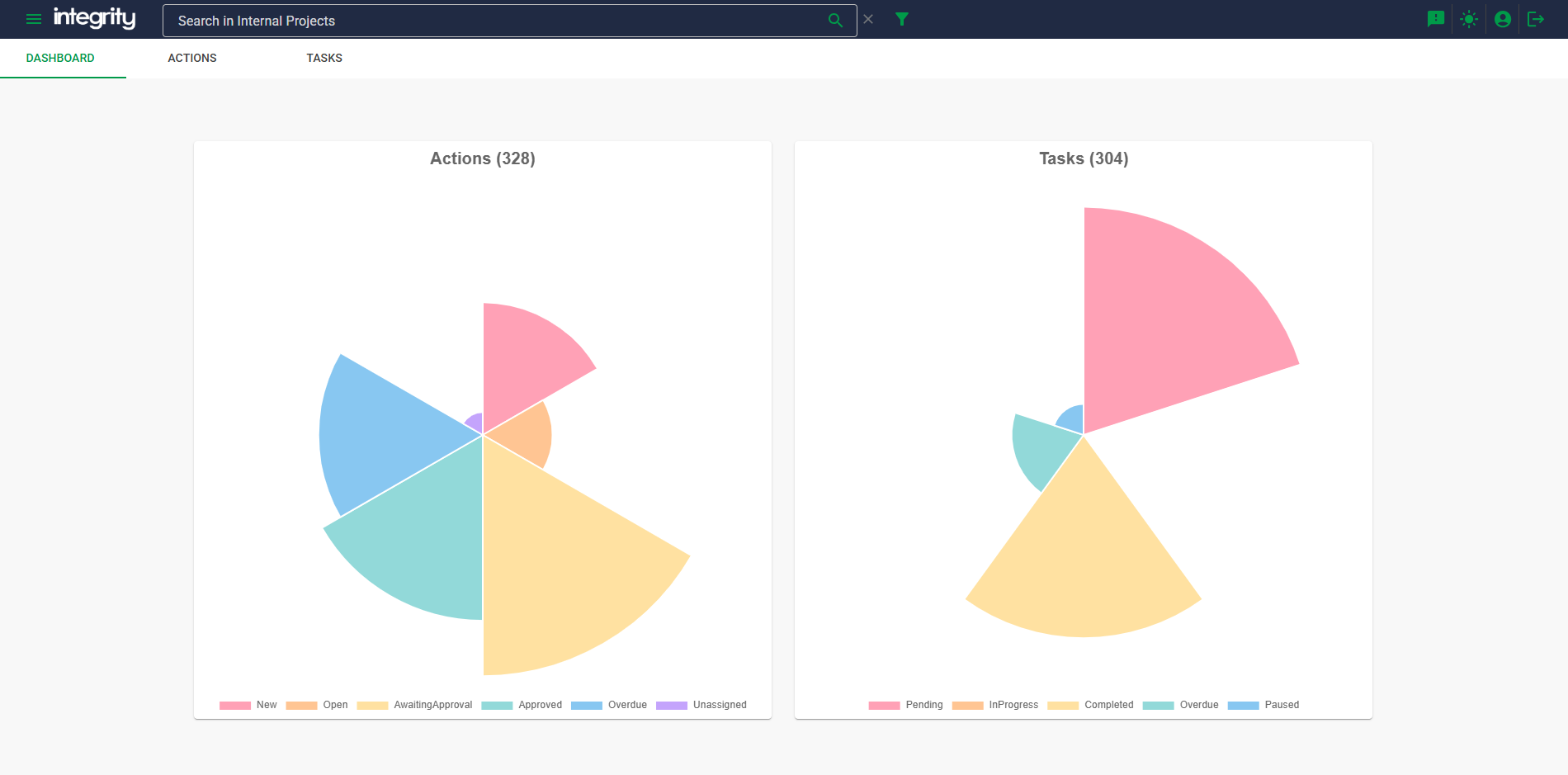
The dashboard displays a collection of charts showing the current status of all actions and tasks within the project, selecting one of these charts will open the Actions tab with all actions filtered to the selected status.
Actions
The Actions Tab shows all the actions created in the project; they can be filtered and sorted by various properties including assignee, completion status and due date.
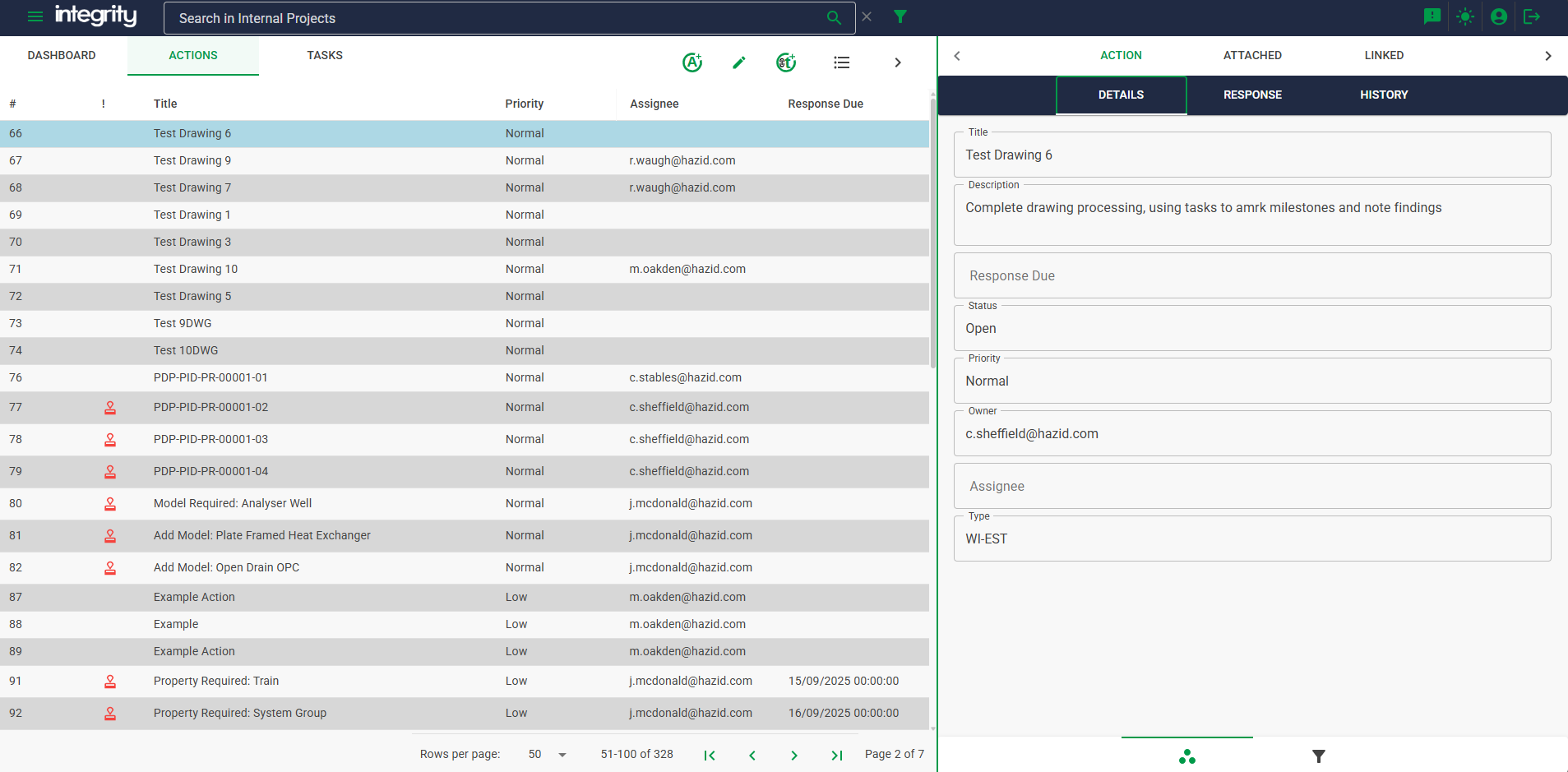
Action Information
Selecting an action from the main list will populate the right-hand view with all the action information in the "Details" view.
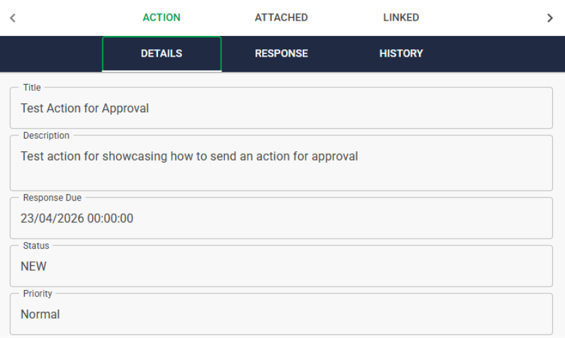
We can also review the history of the action in the ""History" view.
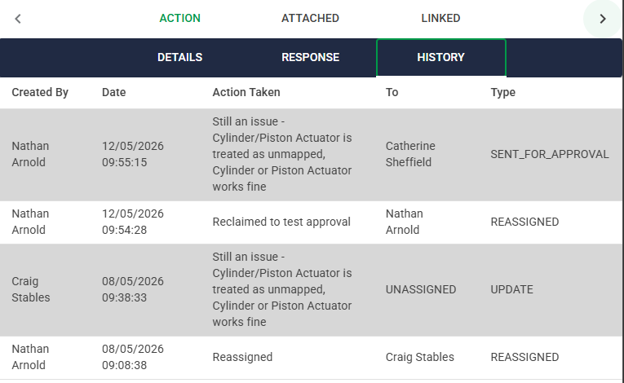
Action Filter
To filter the Actions, click the  button at the bottom of the right hand view, this will open the filter form allowing you to filter on any of the fields displayed in the main view.
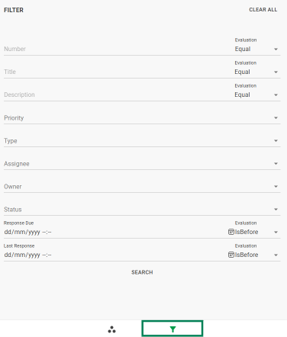
With the filter defined click the  button to update the main view.
Tasks
The Tasks Tab shows all the Tasks created in the project; much like Actions they can be filtered and sorted by various properties including assignee, completion status and due date.
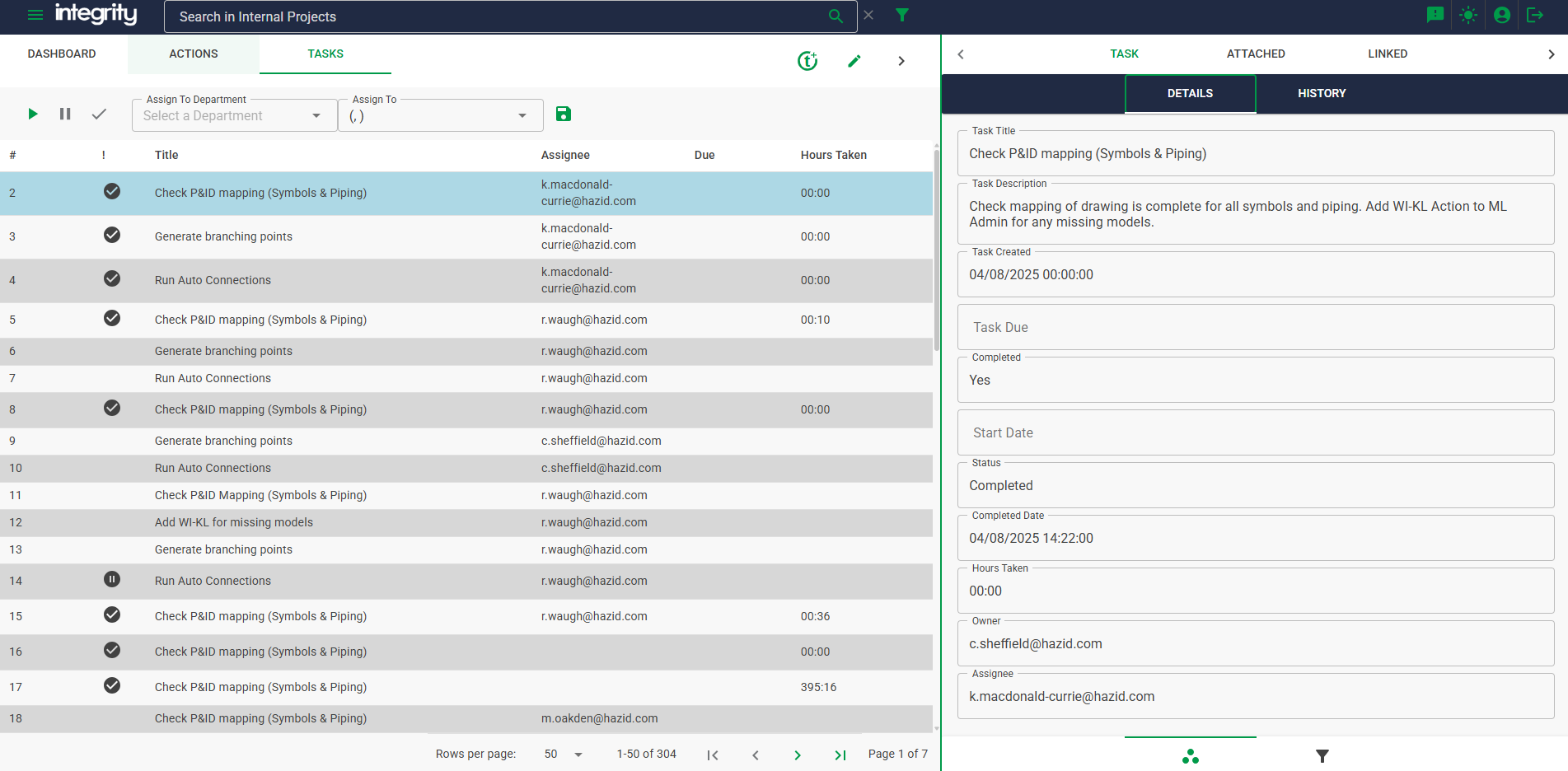
Task Information
Selecting a task from the main list will populate the right-hand view with all the task information in the "Details" view.
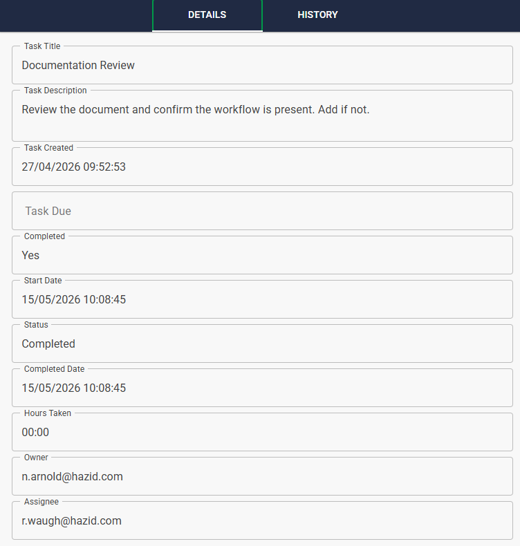
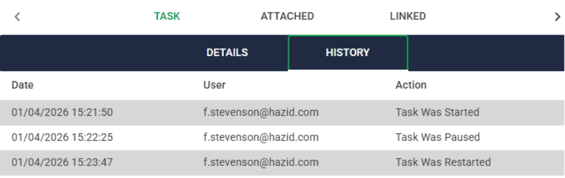
We can also review the history of the task in the ""History" view.
Task Filter
To filter the Tasks, click the button at the bottom of the right hand view, this will open the filter form allowing you to filter on any of the fields displayed in the main view.
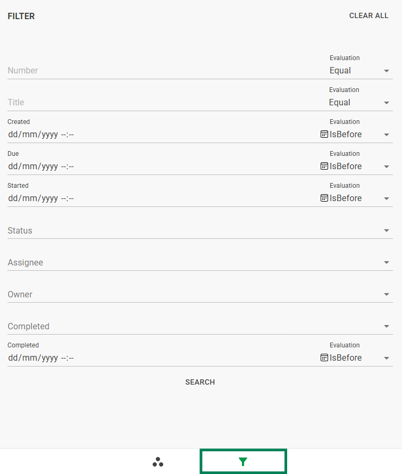
With the filter defined click the button to update the main view.