Modelling Area
The modeling area is the visual display of all the Information which contributes to the Hazid Knowledge Model.
The Modeling Area can display a picture of your Item if it has been place in the correct folder in the Hazid Framework Bin.
No tasks can be completed in the modeling area until Ports are available to the Model. For more Information see Adding a Port
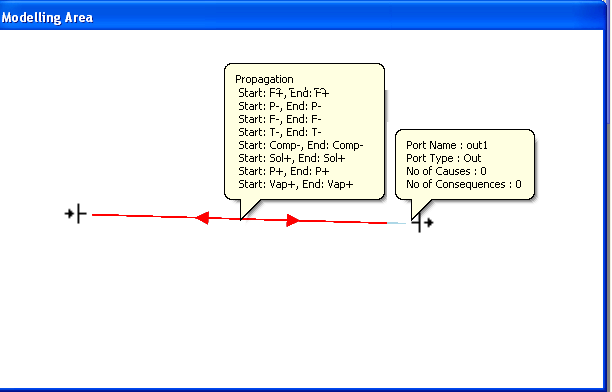
Hovering on either a Port or the Propagation lines in the modeling area pops up a summary of the information held at that point.
Right clicking on a Port allows further options
- Port Properties - View the Properties entered when adding the Port and change Port States
- Causes - View and Add Causes to the Port
- Consequences - View and Add Consequences to the Port
- Delete Port - Delete the Port from the Model