Icon Mapping
Icon Mapping allows you to map all equipment items of the same symbol or Symbol Group and can work in tandem with Rule Based Icon Mapping to cover all items in the plant.
The Icon Mapping displays all symbol files which have been imported into the Symbol Set in the symbol tree. Using the filter  limits the tree to All symbols or whichever these which have been mapped or not.

You may select any level of the tree under the root to place a model mapping against. A  the symbol or symbol group has a model mapping assigned to it. A
  that no model mapping has been assigned to the symbol or group. To browse to the desired symbol group or symbol you may use the tree or the search box to find the item. At every level of the tree a breadcrumb appears for additional browsing. select the > between the breadcrumb items to move location in the tree.
The right hand panel displays the Hazid Integrity Knowledge model tree which you use to map to a symbol. The Hazid Integrity Knowledge model tree is browsed n a similar way to the symbol tree.
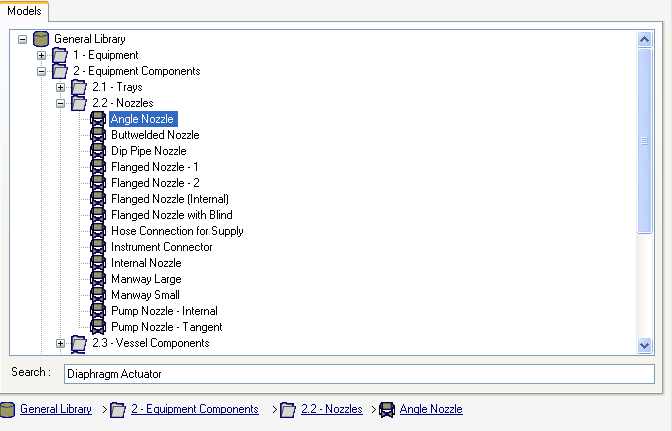
To enable you to find a model for mapping easier you may right click the symbol or group you wish to map and select  this will add the symbol or group name to the Model Tree search box.
To Map a symbol or symbol group see Mapping the Symbols.