Add/Edit Instrument
The Instruments are displayed when selected from the tree
To Add a new Instrument select  which will open the addition form.
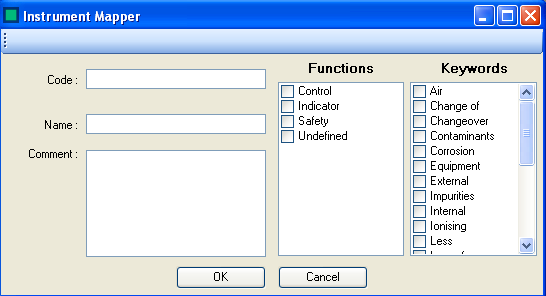
Fill in the instrument details:
- Code - The Instrument Code as found in the Instrument Type Modifier property
- Name - A name for the instrument, often a description of the code
- Comment - Any additional comments you might wish to add
- Function - What the instruments function is
- Keyword - Any HAZOP keyword that the instrument will act against
Select  to save the Instrument
Select  to close the form and revert changes
To Edit an Instrument Double click on the desired instrument
To Delete an instrument right click and select delete