External Property Mapping
Property Aliasing is used in Integrity to match a property mapping from an external source (i.e. SPPID where the key is different to the key specified in Integrity) to a property within Integrity. There is no limit to the number of different external properties that one Integrity property can be mapped to.
As Hazid Integrity uses Llama to retrieve all information from SmartPlant P&ID the properties for import must reside in a drawing currently.
To Pick the SmartPlant Drawing select  to open the Drawing Import Form.
Upon opening the Drawing Import Form will automatically connect to the last site and plant you had open within SmartPlant P&ID.

The site originally displayed upon entry to the Import form is that of the last connected to within SmartPlant P&ID.
If you wish to change the site you can connect to a separate site .ini file as created in your SmartPlant Installation.
To change the .ini file select the 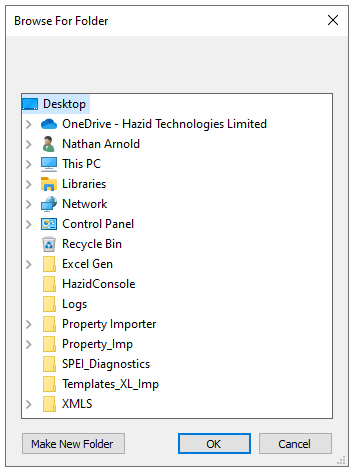 option from the SPPID Plant Ini to open a windows explorer window.
Browse to the location of your .ini file and select it.
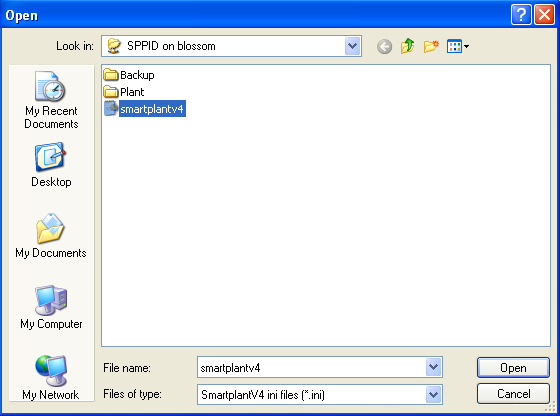
Hazid Integrity will then read the database connection details from the .ini and display all available plants for selection.

Select the Plant you wish to import your P&IDs from.
You can then select any P&ID in the plant to import properties from. Right clicking on the groups allows you to select all drawing under the group selected.

 imports the properties from the drawings.
 Closes the form without importing.
You can then Map the External Properties to the Hazid Properties.
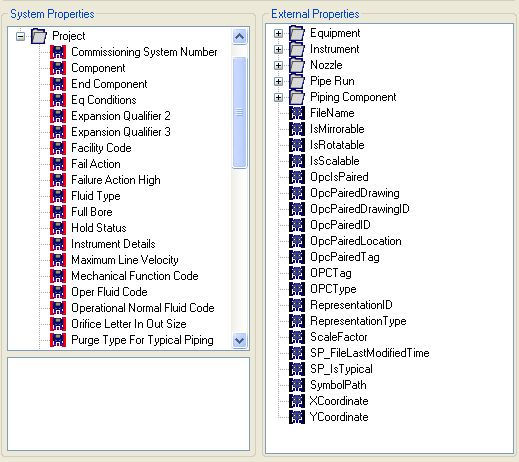
Mapping the properties is a simple case of selecting External property that you wish to map in the right hand pane, and the Integrity property that you wish to map it to in the left, and then clicking 
To remove a mapping select the desired System Property and 
Select  to exit the form