Icon Map Editor
Icon Mapping is used in Hazid Integrity to map a SmartPlant P&ID symbol to a particular equipment item or items knowledge model. This allows Hazid Integrity to build a map of the various different types of equipment present in a plant, and how they are connect to each other. Hazid Integrity uses the knowledge model to determine what P&ID Integrity Rules will be applied to items and to conduct the Safety Analysis on the plant.
You can store multiple corporate Icon Maps which allow you to choose the correct symbol paths for delivery to the projects.
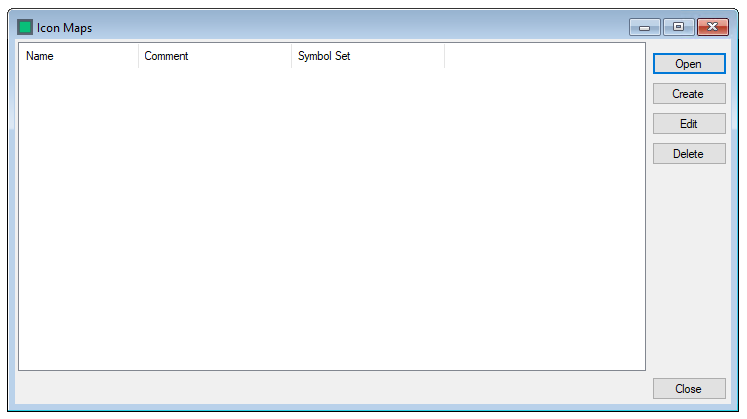
To Create a new Icon Map select  and fill in the details

- Name - A Name for your Icon Map
- Comment - Any comment you wish to add
- Symbol Set - Use the drop own to select the symbol set the Icon map will be associated with
Select  to save the details and create the Icon map later
Select
to save the details and create the Icon map later
Select  to Save the details and Open the Icon Mapping
Select
to Save the details and Open the Icon Mapping
Select  to close without saving.
You can add to or edit the Icon Mapping at any time by selecting the desired Icon Map and clicking 
To Edit the details associated with an Icon Map select the desired Icon Map and 
Select  to exit the Icon Map Editor