Split Blocks Tab
The Split Blocks Tab is used to define the attributes, that when matched cause the symbol on which they exist to be split into its constituent blocks
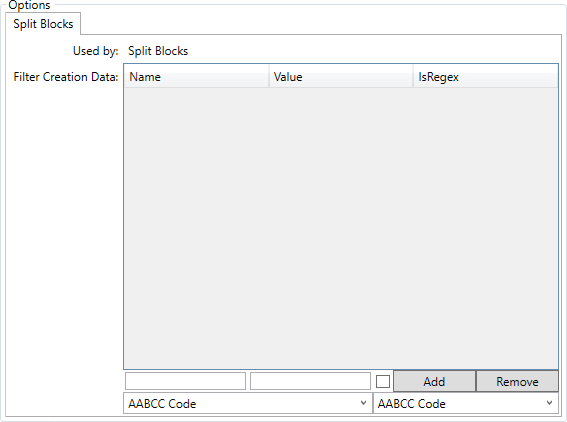
Symbols are split based upon an attribute match, this is defined as below

Enter the name of the attribute and the value you wish match in order for the split to occur. The checkbox denotes the "Attribute Value" field to be Regular Expression when checked.
Clicking the  button adds the attribute/value paint to the list, clicking the
  button removes the selected pair from the panel above.
The attribute select boxes are where you define the atrribute to write from the parent symbol to its child blocks, and the attribute to which that should be written.

The parent property that is copied from is defined in the drop down on the left, the child property that is written to is selected from the right hand drop down.