Multiple Constraints
Multiple Constraints allow the user to add as many property constraints as they need to a single rule item, along with booleans to define how they are interpreted, multiple constraints are enabled via the Constraints checkbox (note that selecting multiple greys out the single constraint dialog)

Multiple Constraints are configured by clicking on the  button to open the constraint editor
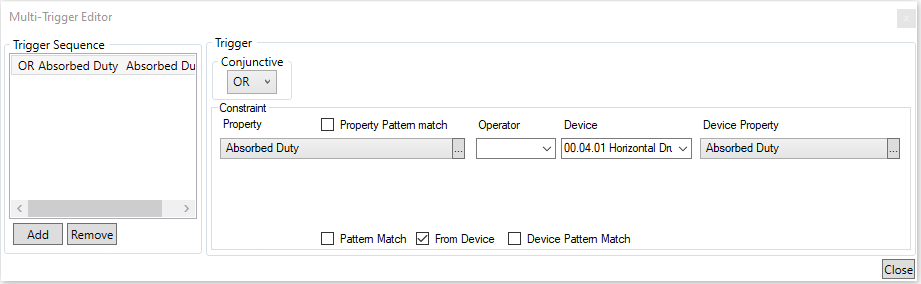
Multiple Constraints are added in the same manner as single contraints, using the  buttons to create/delete constraints, and the boolean
  to define how they are applied.