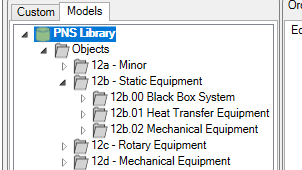
Property Coloumn Templates
Property Column Templates are used to create and manage templates of properties that can then be assigned en-masse in the property access permissions, and selected to all be viewed/edited in a single click in Data Intergity.
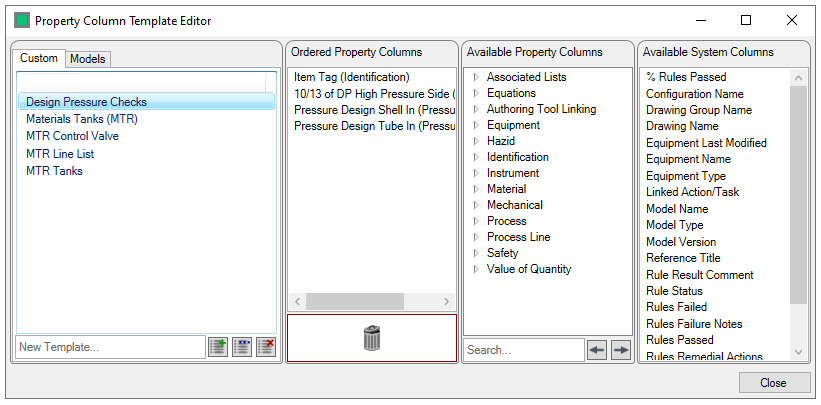
To Create a Template, type the name you wish it to have into the "New Template..." field and click on the  button (existing template names can be edited with the
  button and removed with the
  button)

This creates a new blank template, to populate it, drag and drop the properties/groups you wish to add to the ordered propoerty columns panel to populate it
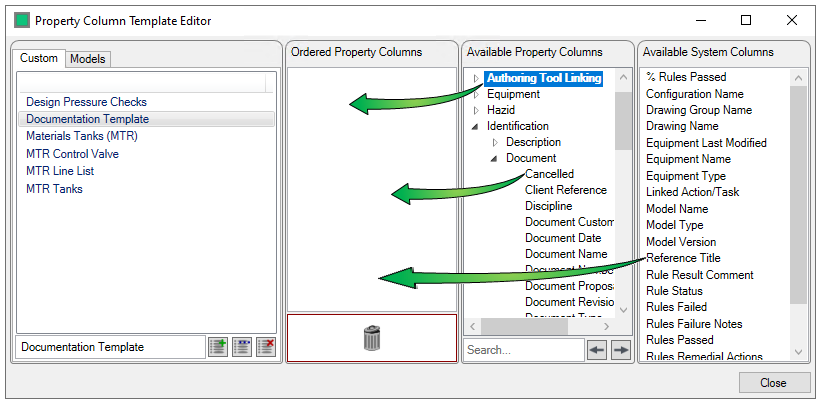
This creates your template
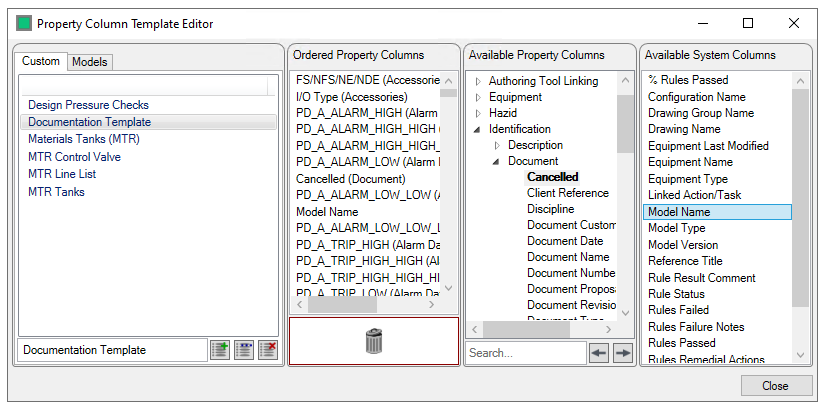
To remove a Property from the template, select it, and drag it onto the  icon.
icon.
Clicking  exits the template creator
Note that property column templates for models are created in the same way, only the model that the template applies to is selected in the tree in the model tab, and the template created in the same manner as above