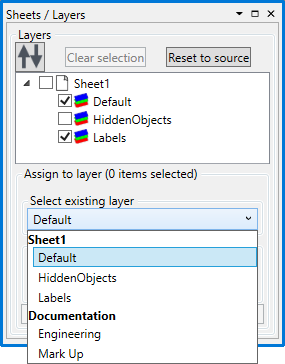
Sheets and Layers Manager
The Global Sheets and Layers Manager is used to administer the sheets and layers that should be in use on every drawing.
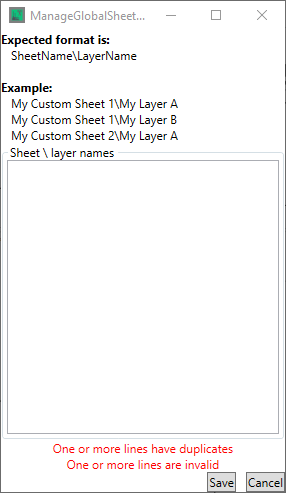
To create sheets and layers, enter them into the "Sheet \ Layer names" panel in the following format - "Sheet Name\Layer Name"
Like so
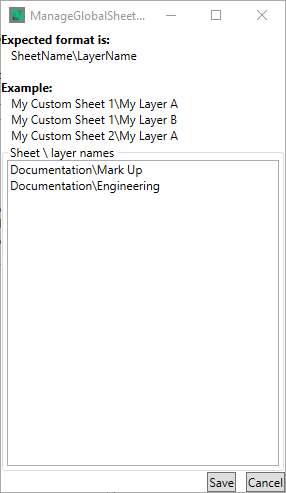
Clicking  exits without saving any layers created/changed
Clicking  saves the sheets and layers and makes them available for use in the Sheets and Layers panel