Model Access Permissions
The Model Access Permissions are used to govern which models Users/User Groups/Departments have access to view and/or write.
For information on Users/User Groups/Departments, please visit the Administration section of this help
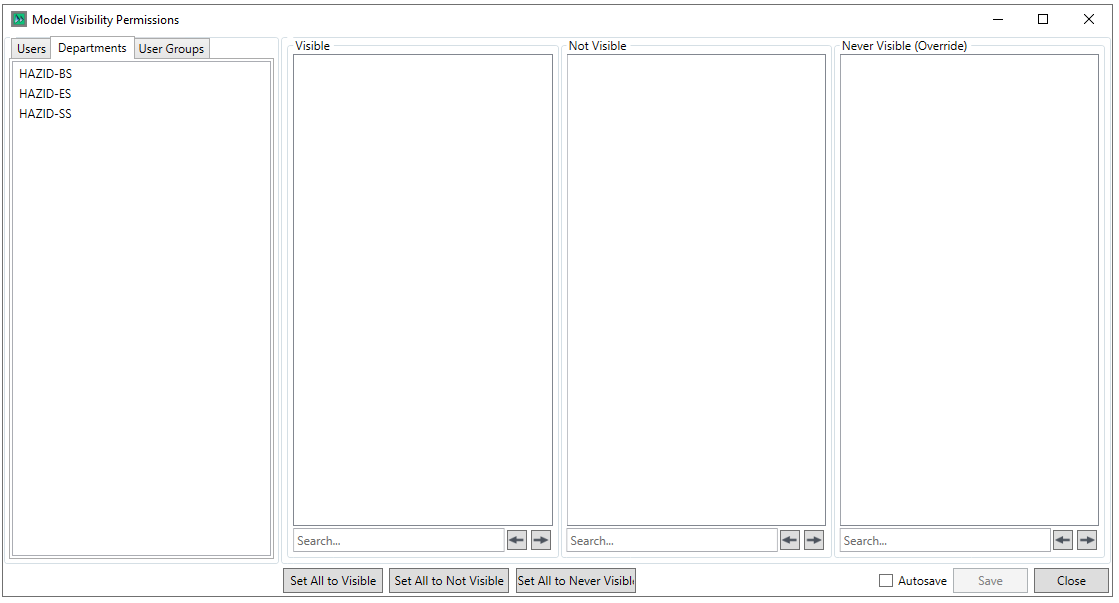
Note that the process for configuring Model Access Permissions is the same for Users, Departments and User Groups, allowing you to confer permissions to access models in as broad-brush or granualar way as you require.
Upon selecting a User/Department/User Group, the model tree is populated
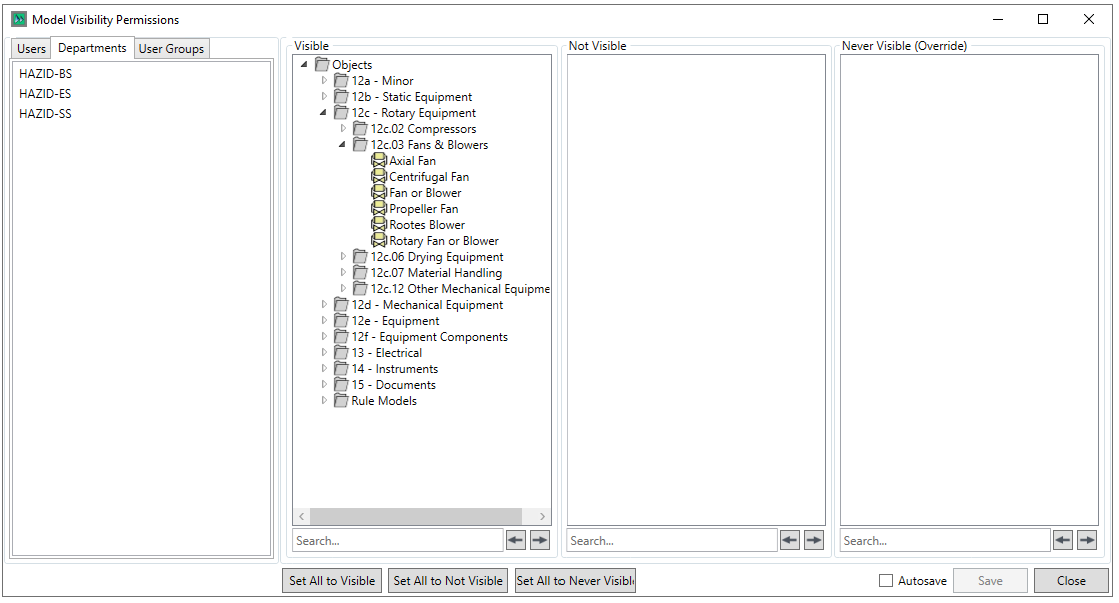
Initally all models are in "Visible" so the selected User/User Group/Department has access to view and edit them based upon their permissions,
There are Internal Permissions Levels - "Not Visible" and "Never Visible"
To reduce a permission, simply left click the model/group that you wish to reduce permissions to and drag it to either the "Not Visible" or "Never Visible
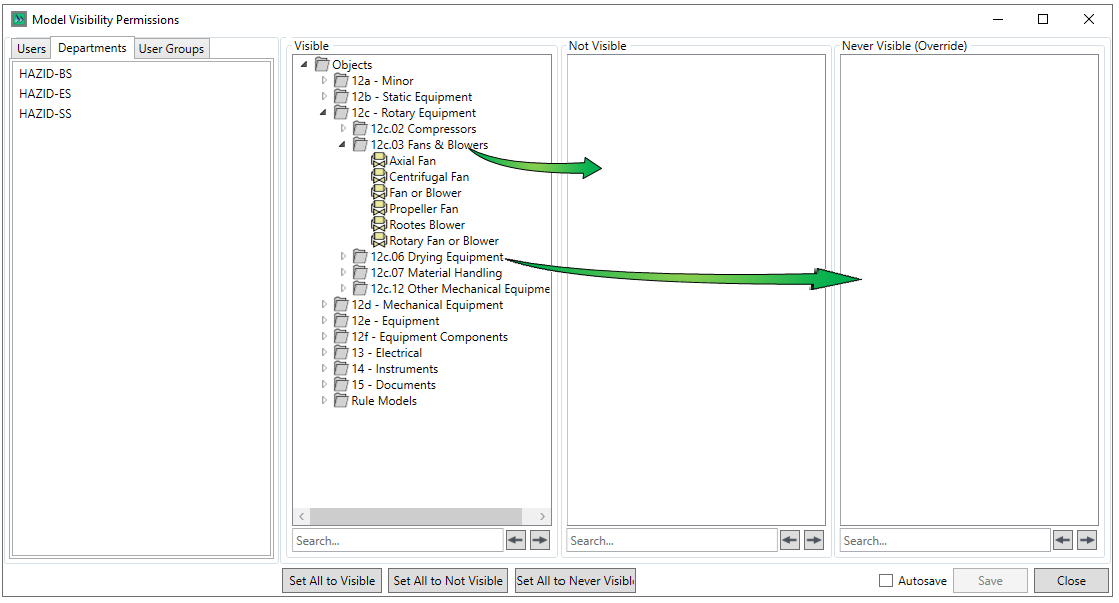
To build the permission reduction strucuture
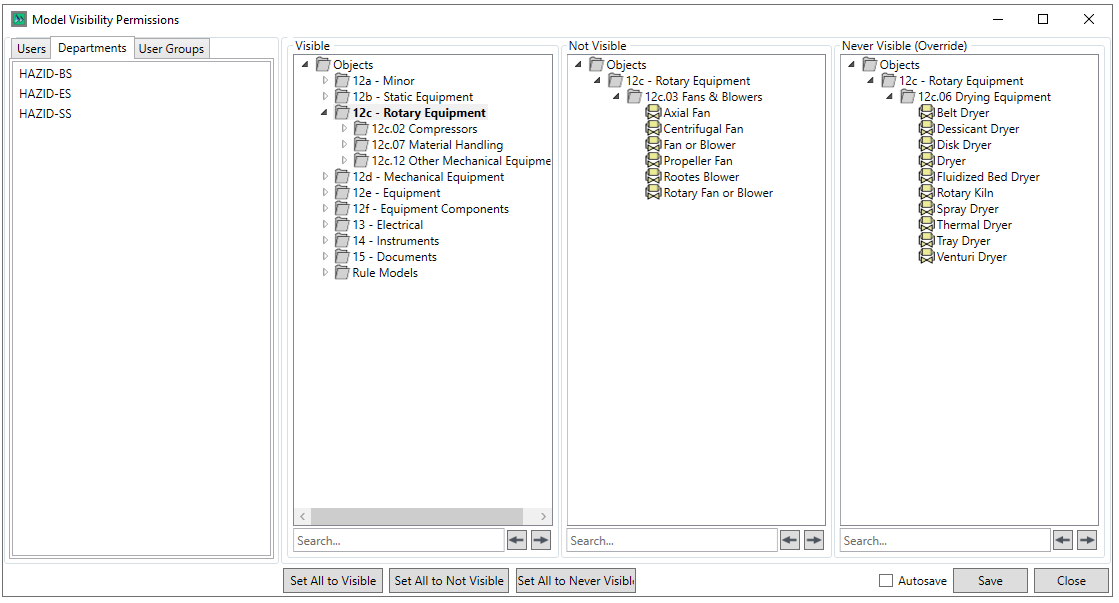
There are three buttons at the base of the Permissions panel, that have the following effects:
- Set All to Visible - Sets all models and Groups to Visible
- Set All to not Visible - Sets all models and Groups to Not Visible
- Set All to never Visible - Sets all models and Groups to Never Visible
In the bottom right of the window are the Save/Close options

Checking the "Autosave" checkbox will save the form continuously as you make changes, the  button saves your work and the
  button closes the form